
Explore Kyoto Imperial Palace with the interactive map
Use this Onimusha: Way of the Sword map to search 25 recorded points in Kyoto Imperial Palace, narrow the map by category, and keep track of your finds.
Back to the interactive mapRecorded points and static maps
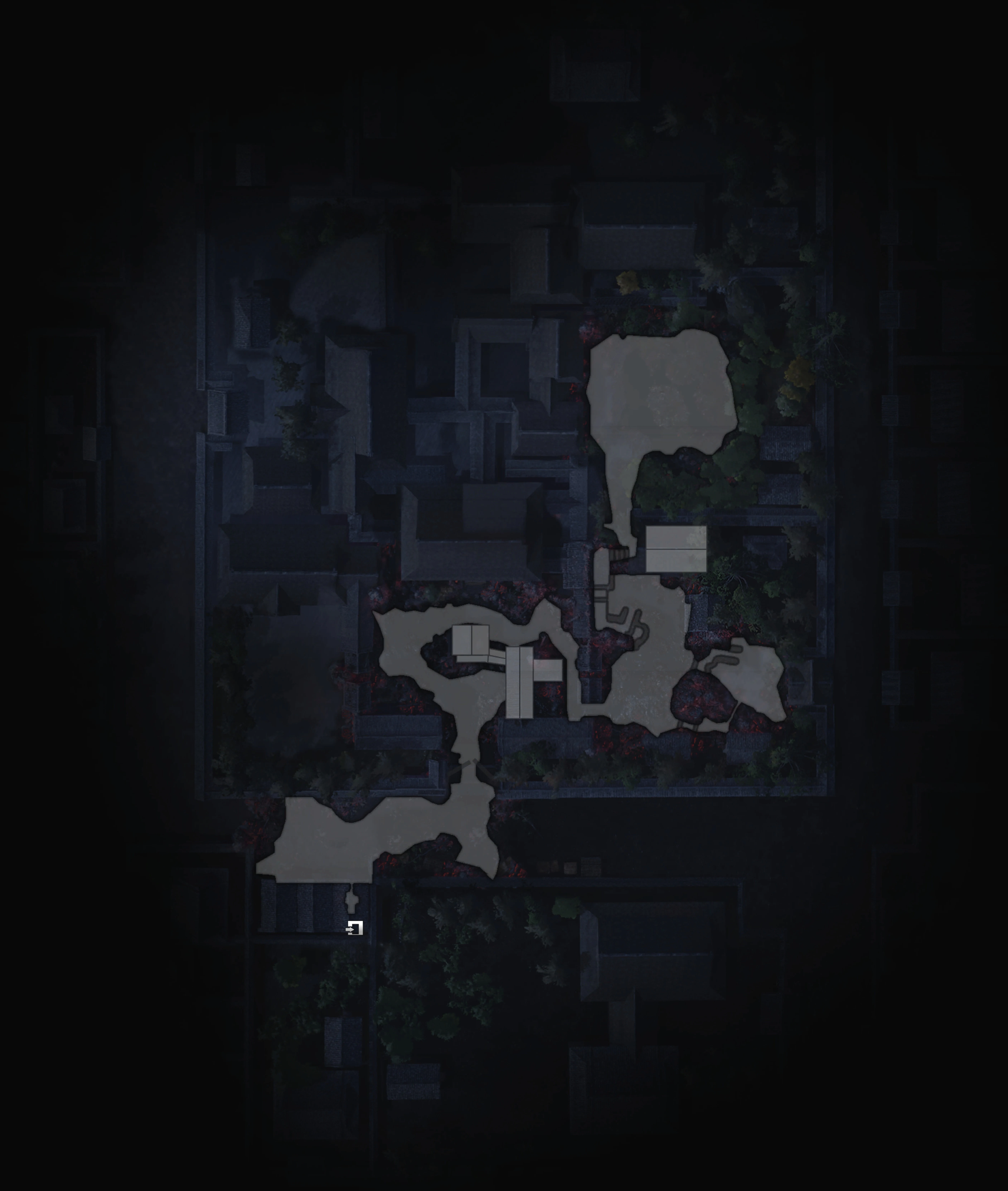
If the interactive map cannot load, open a base map or expand a category below to read its recorded points. These community records are not a verified complete checklist; layer assignments may be unknown. Static base maps do not include the interactive markers.
Spirit Mirror (2)
Spirit Mirror: Palace Entrance
Map layer: Kyoto Imperial Palace
Spirit Mirror: Oikeniwa Pond Garden
Map layer: Kyoto Imperial Palace
Chest (1)
Chest
Found on second visit.
Content:- Leather x 1
- Cotton x 1
Map layer: Kyoto Imperial Palace
Defense Talisman (1)
Greater Defense Talisman
Map layer: Kyoto Imperial Palace
Hozuki (4)
Hozuki x 3
Map layer: Kyoto Imperial Palace
Hozuki x 2
Map layer: Kyoto Imperial Palace
Hozuki x 3
Map layer: Kyoto Imperial Palace
Hozuki x 2
Map layer: Kyoto Imperial Palace
Treasure Chest (2)
Treasure Chest
Contains:
- Oni Stone x 1
Map layer: Kyoto Imperial Palace
Hidden Treasure Chest
Contains:
Map layer: Kyoto Imperial Palace
Breakable (8)
Breakable
Map layer: Kyoto Imperial Palace
Breakable
Map layer: Kyoto Imperial Palace
Breakable
Map layer: Kyoto Imperial Palace
Breakable
Map layer: Kyoto Imperial Palace
Breakable
Map layer: Kyoto Imperial Palace
Breakable
Map layer: Kyoto Imperial Palace
Breakable
Map layer: Kyoto Imperial Palace
Breakable
Map layer: Kyoto Imperial Palace
Transition (1)
Underground Laboratory
Map layer: Kyoto Imperial Palace
Boss (1)
Greater Nue
Reward:
- Leather x 1
- Fine Silk Cloth x 1
- Oni Stone x 1
Map layer: Kyoto Imperial Palace
Oni Stone (1)
Oni Stone x 1
Map layer: Kyoto Imperial Palace
Mixed Grain Rice Ball (1)
Mixed Grain Rice Balls x 1
Map layer: Kyoto Imperial Palace
Genma Notes (1)
Genma Note: Greater Nue
Use Oni Power to reveal. In Hidden Treasure Chest.
Map layer: Kyoto Imperial Palace
Lion Dog (1)
Lion Dog - The Wondrous Flute
Map layer: Kyoto Imperial Palace
Might Talisman (1)
Greater Might Talisman x 1
Map layer: Kyoto Imperial Palace
How to use the map
Search and filter locations
Enter a location or item name in Search points. Open Categories to choose the types you want to see, or toggle a group in the legend.
Inspect a point
Select a marker or a result in the list to open its details. Read the location notes and requirements when available. Some points also include screenshots.
Track what you have found
Use the checkbox beside a result or Mark found in its details. Turn on Missing only to focus on points you have not marked yet.
Adjust your view
Zoom and drag to inspect an area. Use Fit map to return to the map overview. Reset filters clears your search and restores the category filters without deleting your saved finds.
Mapped locations in Kyoto Imperial Palace
This map currently includes 25 recorded points across 13 categories. These counts describe the points available in this tool, not a complete in-game collection total.
| Category | Mapped points |
|---|---|
| Spirit Mirror | 2 |
| Chest | 1 |
| Defense Talisman | 1 |
| Hozuki | 4 |
| Treasure Chest | 2 |
| Breakable | 8 |
| Transition | 1 |
| Boss | 1 |
| Oni Stone | 1 |
| Mixed Grain Rice Ball | 1 |
| Genma Notes | 1 |
| Lion Dog | 1 |
| Might Talisman | 1 |
Kyoto Imperial Palace map FAQ
Will my progress be saved when I return?
Your finds are saved separately for each map in this browser. Return using the same browser and device to continue. Clearing site data can remove your checklist; private browsing may not retain it.
Does the checklist sync with my game or another device?
No. Mark points manually as you find them in the game. The checklist is stored locally and does not sync with your game save, another browser, or another device.
Why are some points missing from the map?
Search, category filters, and Missing only can hide results. Try Reset filters first. A point hidden with its visibility control can be shown again using the same control in the results list. Fit map restores the overview if you have panned away.
Does Reset filters delete my saved finds?
No. Reset filters clears the search, restores all categories, and turns off Missing only. Your saved finds stay checked. Use Mark not found on a point if you want to undo that find.