
How to Download the Onimusha Demo (PS5, Xbox, PC & Switch 2)
In this guide

The demo is free on PS5, Xbox Series X|S, Steam and Epic, while Nintendo's Australian eShop includes a Switch 2 Get demo link. Store pages often show the paid edition first, so here's exactly how to find the demo, what's inside, and the save-data reward worth keeping.
Is the demo free, and where?
Yes — the Onimusha: Way of the Sword demo is free and available now on PS5, Xbox Series X|S, Steam and Epic. Official Nintendo's Australian eShop listing also includes a Get demo link for Switch 2. The full game arrives on September 4, 2026; check your regional eShop because Switch 2 availability can differ by country.
| Platform | Store | Price |
|---|---|---|
| PlayStation 5 | PlayStation Store ↗ | Free |
| Xbox Series X|S | Microsoft Store ↗ | Free |
| PC | Steam ↗ | Free |
| PC | Epic Games Store ↗ | Free |
| Nintendo Switch 2 | Nintendo eShop (Australia) ↗ | See eShop |
Quick facts
| Detail | Value |
|---|---|
| Price | Free on PS5, Xbox and PC; see the Nintendo eShop for Switch 2 |
| Demo platforms | PS5 · Xbox Series · Steam · Epic · Switch 2 (Nintendo Australia) |
| Setting | Kiyomizu-dera Temple in the original Demo route |
| Confirmed bosses | Sasaki Ganryu; Daidara added in the August content update |
| Length | ~30 minutes in the original Demo Approximate; CAPCOM has not published a runtime for the expanded Demo |
| Full release | September 4, 2026 |
How to download on each platform
| Platform | Steps |
|---|---|
| PS5 | Open the demo on the PlayStation Store ↗ and hit Download. |
| Xbox Series | Open the demo on the Xbox Store ↗ and Install. |
| Steam | Open the Steam store page ↗, then click Download Demo in the right-hand column. |
| Epic | Open the demo on the Epic Games Store ↗ → Get → install via the Epic launcher. |
| Switch 2 | Open Nintendo's Australian game page ↗ and choose Get demo. Use your local eShop if availability differs in your region. |
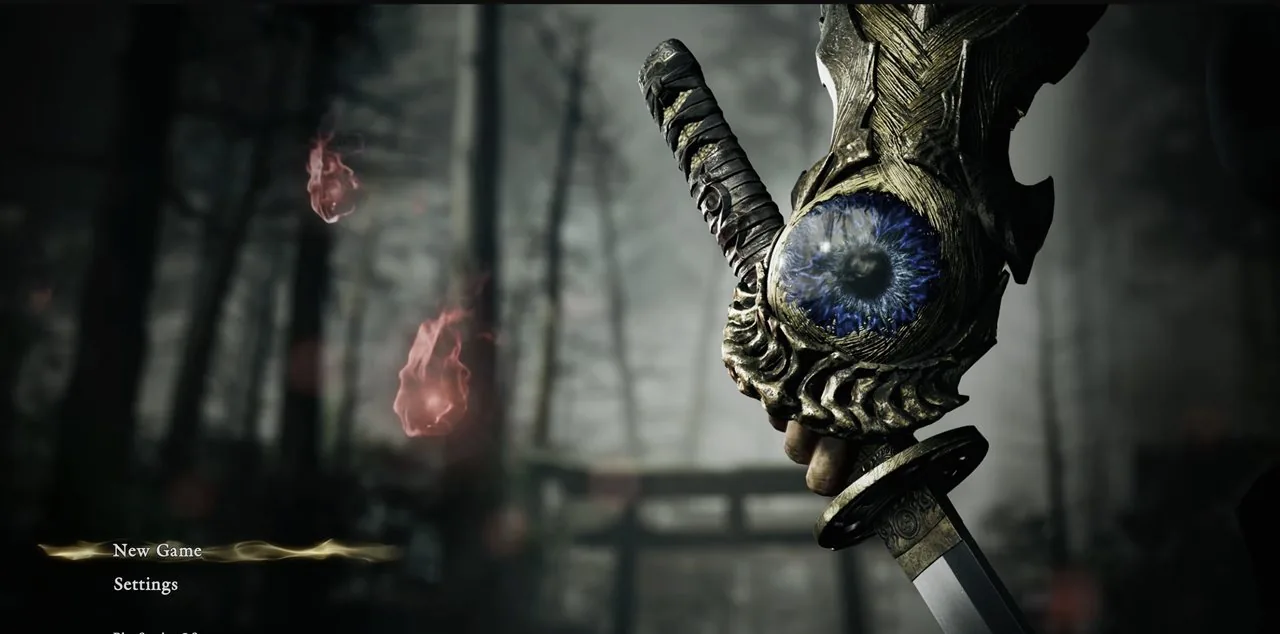
Can't find the demo? Read this
This trips up a lot of players: store pages usually show the paid pre-order edition first, so the demo isn't the big obvious button.
On the game's store page, look for a separate "Download Demo" / "Get the demo" link — often lower down, near the editions list or behind a "…" / more menu. If you still can't see it, search the store directly for "Onimusha demo".
What's in the demo
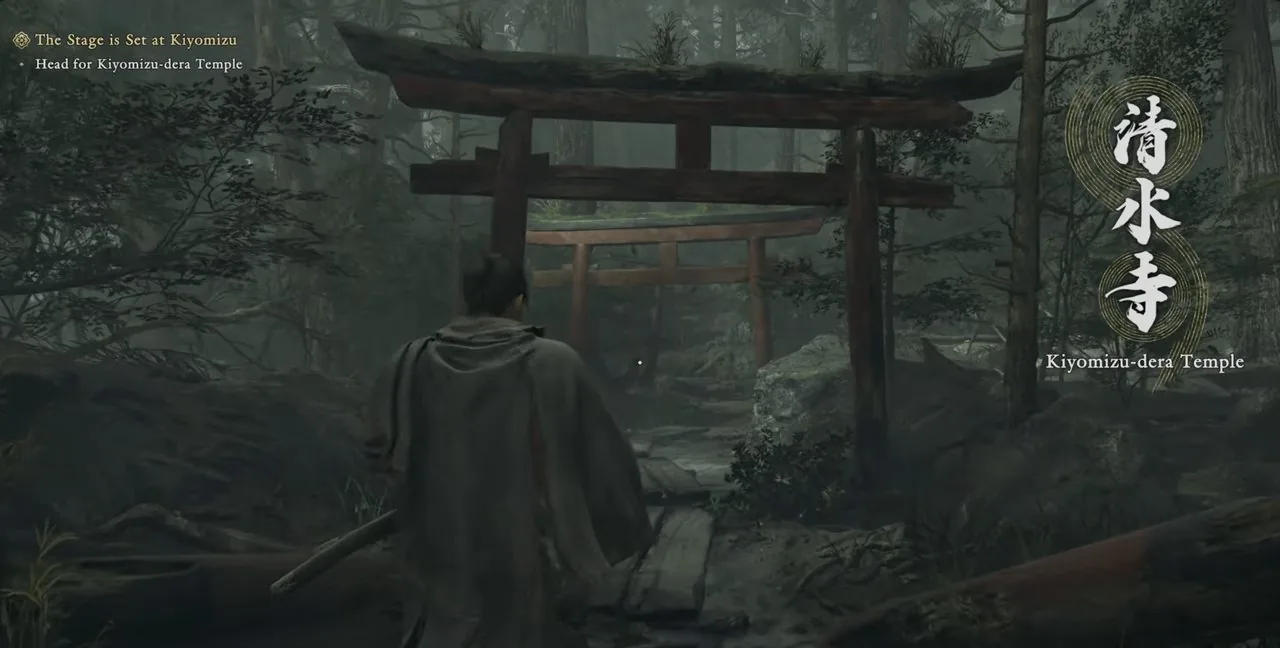
Start with the Kiyomizu-dera Temple route: the original Demo lets you play as Miyamoto Musashi, learn core combat through in-game tutorials, and face Sasaki Ganryu. If your demo includes additional areas or Daidara, you are playing the version expanded by the August 25, 2026 content update. CAPCOM has not published its complete boss order, route, or runtime, so do not assume Sasaki is the last boss.
Need help with the Sasaki duel? See our guide to beating Sasaki Ganryu.
Before you start: difficulty and settings
Check the in-game menu before choosing a difficulty. Story and Action were available in the original Demo, but the August 25 content update did not publish the current difficulty settings or switching behavior.
If your current menu still offers Story and Action, use Story to learn the systems and Action for a tougher Sasaki duel. Do not assume the original Demo's difficulty options or free switching behavior still apply.
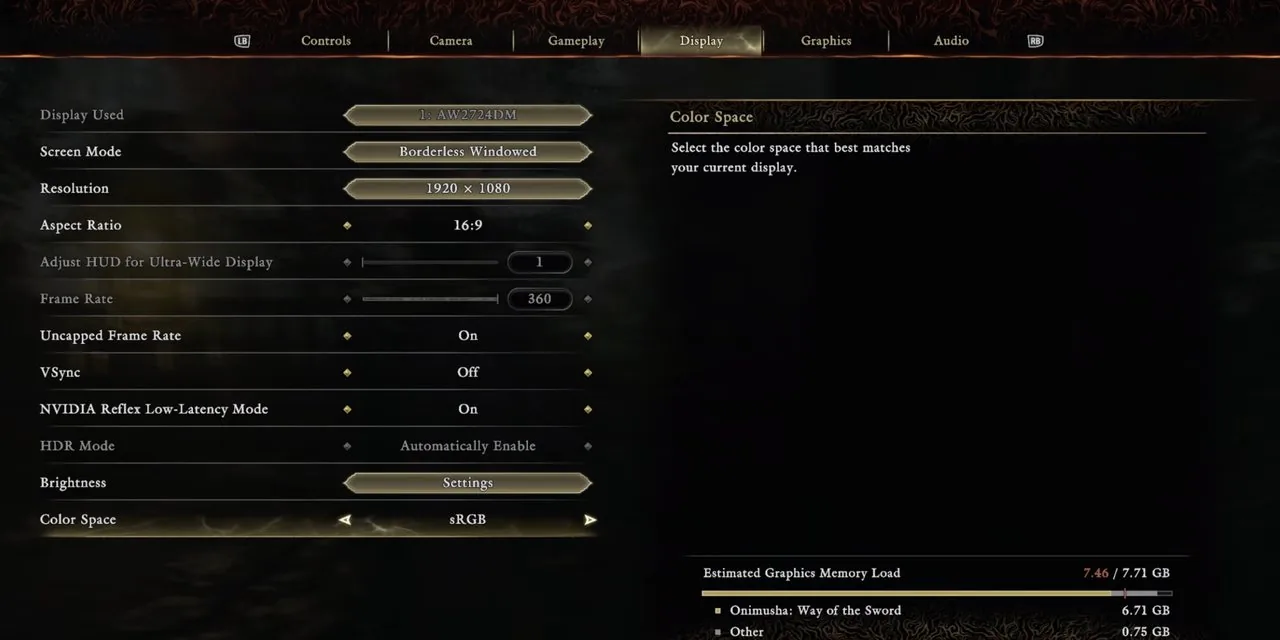
PC players should also open the display settings before judging performance. Use the demo as a free benchmark, then compare your rig against the official PC requirements. For the boss-specific choice between Story and Action, see the difficulty notes in our Sasaki Ganryu guide.
The save-data reward
Official CAPCOM has said that keeping your demo save data carries a bonus into the full game — a charm (Kubi Akari) that strengthens Musashi.
Play the demo, then don't delete the save. Leave it on your console/PC before starting the full game, so the bonus can carry over.
PC players: a quick note on specs
If you're on PC, use the demo as a free benchmark for your rig. Official CAPCOM requires an SSD (around 50 GB), and the full game ships with Denuvo anti-tamper. Run the demo and compare its performance with your own rig.
PC demo will not launch or keeps crashing
Start with the store-specific basics. CAPCOM's PC support page directs Steam players to its Steam troubleshooting guidance. For the Epic Games Store version, the same support guidance is more specific: confirm that the PC meets the minimum requirements, update the GPU driver, verify the game files, remove compatibility mode, and lower the graphics preset if the game reaches the menu but is unstable.
CAPCOM also recommends checking antivirus exclusions, trying administrator
mode, closing overlays or recording tools, and clearing shader.cache plus
shader.cache2 only when those files exist in the game's install folder. The
demo is not individually supported, so use the official steps before
escalating a store or PC issue.
For the exact path names and the current driver guidance, use CAPCOM's PC demo support article.